Page 1 of 3
Radio Presets Delete
Posted: Thu Oct 26, 2023 2:16 pm
by Larry C
Has anyone found a way to delete a preset radio or Sirius station? The only solution that I’ve found is to select another station to replace it.
Thanks,
Larry
Re: Radio Presets Delete
Posted: Thu Oct 26, 2023 4:07 pm
by blueline
Larry C wrote: Thu Oct 26, 2023 2:16 pm
Has anyone found a way to delete a preset radio or Sirius station? The only solution that I’ve found is to select another station to replace it.
Thanks,
Larry
I was fooling with that a couple of months ago and had the same question. I need to check again before I give the wrong answer - I've forgotten exactly what I did!
Re: Radio Presets Delete
Posted: Thu Oct 26, 2023 5:12 pm
by J-Dub
Agreed, I played with it and likely overwrote it. My XM/Sirius free trial subscription just ran out last month and I had accidentally programed on of them. I overwrote it with one of the local radio stations. Will play around and get back to you if I get it.
Re: Radio Presets Delete
Posted: Thu Oct 26, 2023 6:16 pm
by Tom
What would the position show after you delete a pre-set (SiriusXM 0?)? Can you select whatever that is and and then overwrite that into the pre-set?
Is there some benefit to deleting pre-sets rather then overwriting them that I'm not yet seeing? Or is the benefit mostly about conquering the PCM and all of its subtleties (a worthy, if unachievable, goal)?
Re: Radio Presets Delete
Posted: Thu Oct 26, 2023 6:19 pm
by Stormy_Monday
subtleties is being polite
Re: Radio Presets Delete
Posted: Thu Oct 26, 2023 6:43 pm
by blueline
Stormy_Monday wrote: Thu Oct 26, 2023 6:19 pm
subtleties is being polite
Great response and so very true!!!
Re: Radio Presets Delete
Posted: Thu Oct 26, 2023 7:28 pm
by blueline
Here are just a few of many possible definitions: imponderable, incomprehensible, enigmatic, impenetrable, abstruse, appalling .......
Plenty more where those came from - feel free to add to the list.

Disclaimer: I will say that the PCM software used by the 992 Turbo S is superior to that of the Cayenne and the 718, taking into consideration what little I know about the 718's PCM.
I will also add that this post is somewhat tongue-in-cheek and meant to be taken lightly.
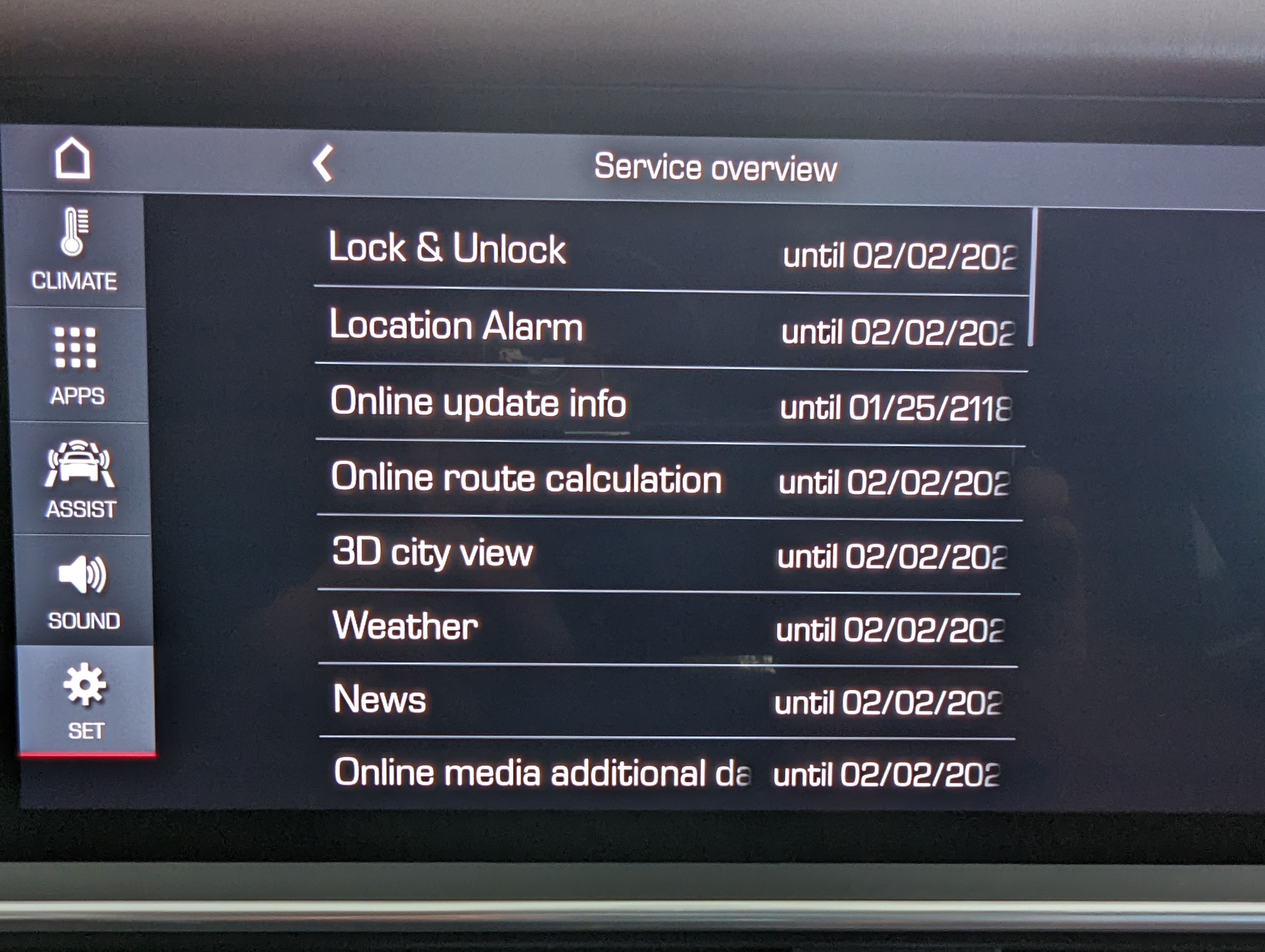
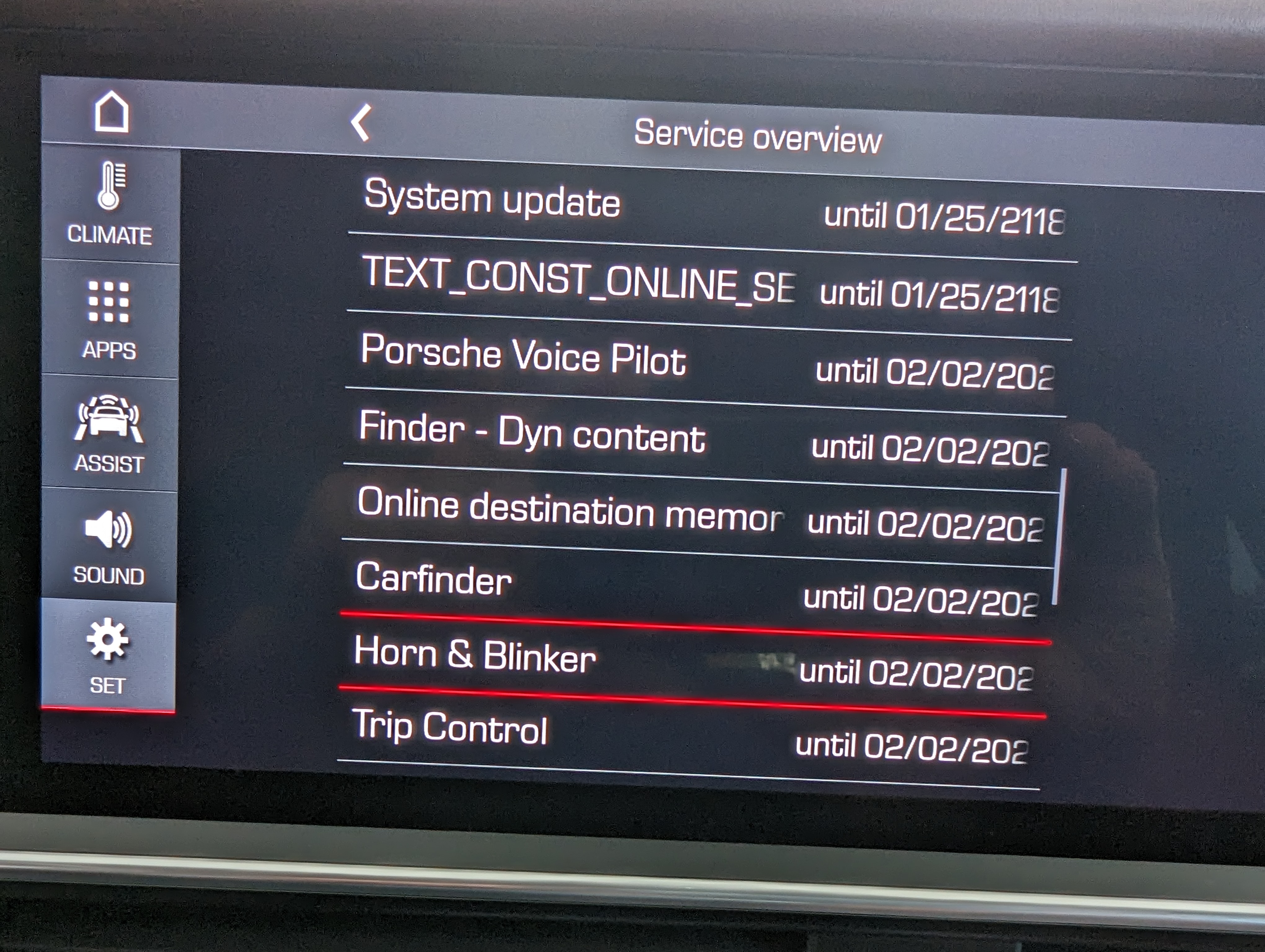
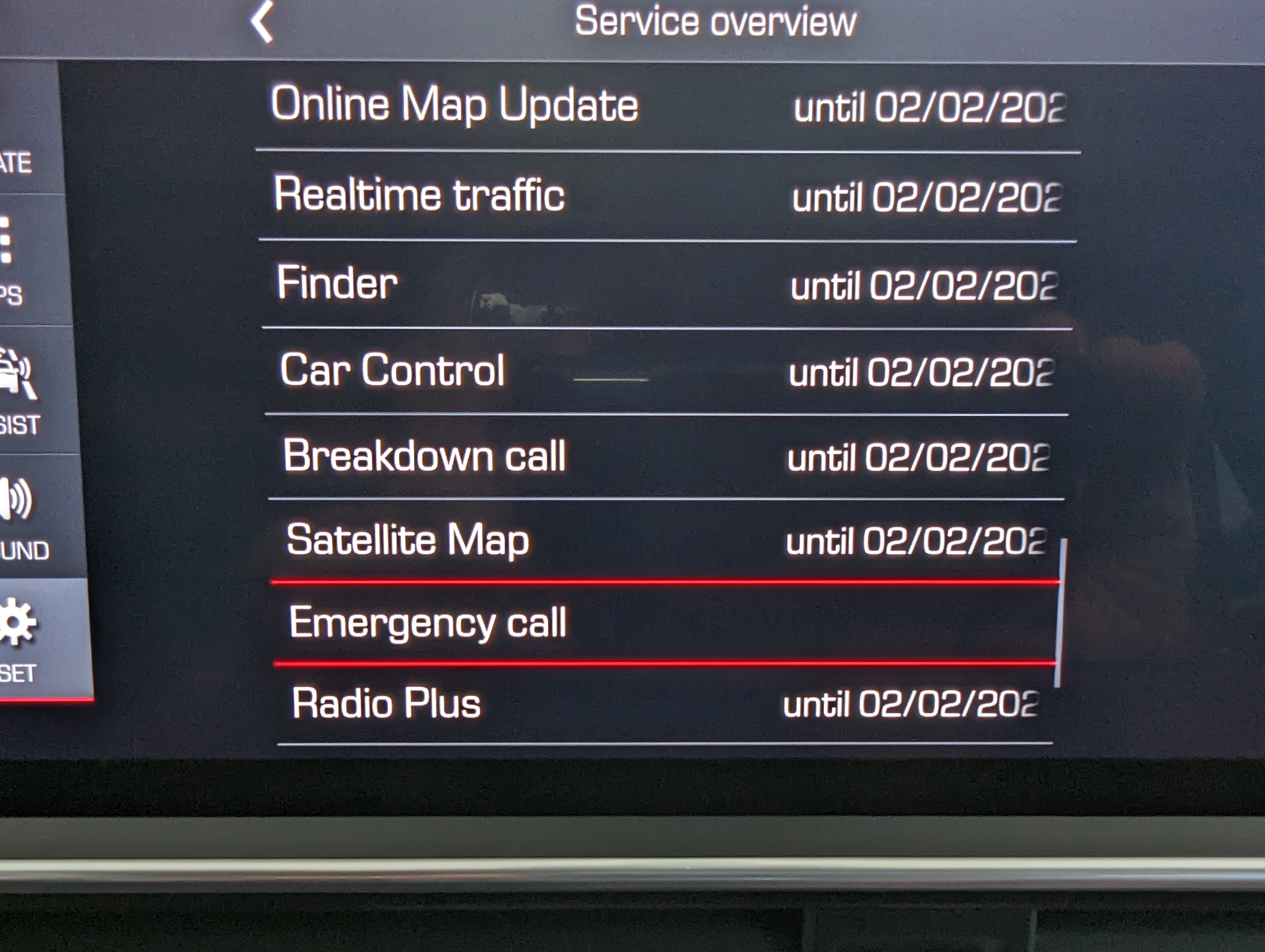
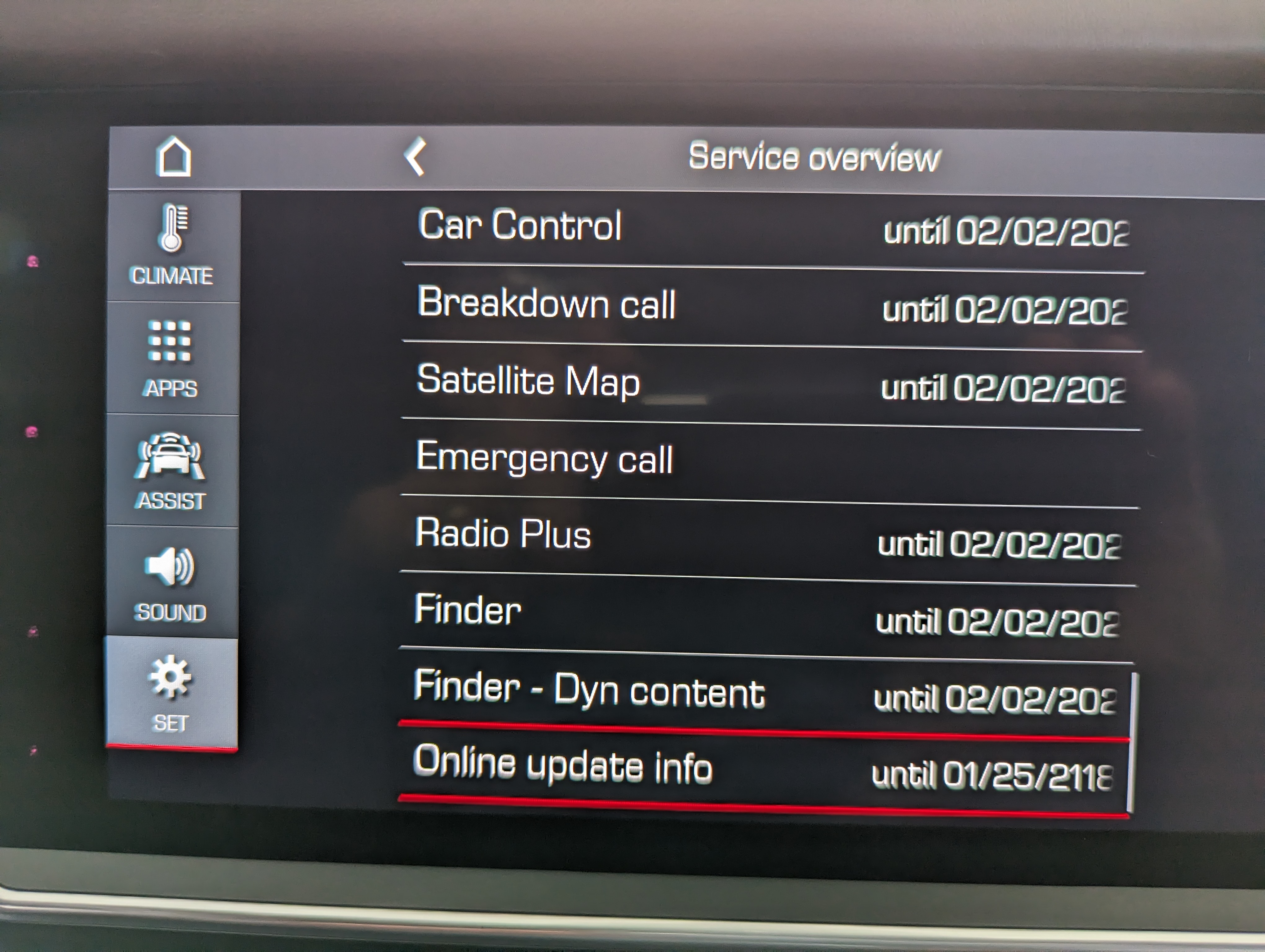
Having said that, I recently found the following screens on our 2019 Cayenne Turbo PCM. Five screens of crap. They are not live - they don't lead to anything. Cannot long-press and get info. They're just there for some unknown arcane reason. (And yes, I know what they supposedly represent. But really, 40+ different software modules with a few that seem to have been repeated?)
- PXL_20230906_203220180.jpg (2.19 MiB) Viewed 1656 times

- PXL_20230906_203232028.jpg (2.37 MiB) Viewed 1656 times
- PXL_20230906_203244633.jpg (2.43 MiB) Viewed 1656 times
- PXL_20230906_203329461.jpg (2.28 MiB) Viewed 1656 times
- PXL_20230906_203340285.jpg (2.39 MiB) Viewed 1656 times
The software UI is so bad that the full year doesn't show on many of them, although I assume it is "2029". Worse, no one I've asked knows why they are even there. I cannot imagine what clown at VW/Porsche's 6,000 employee software unit decided to include that data on the customer accessible PCM interface.
Maybe that's why this happened this past May:
https://www.reuters.com/business/autos- ... 023-05-06/
How does incompetence at that level get a job at a garbage dump, much less Porsche?

Speaking of garbage dumps, a recycling center here on a recent Sunday. (OK, it was Monday, Labor Day - I must forgive...

)

- PXL_20230904_224116732.jpg (6.61 MiB) Viewed 1656 times

- PXL_20230904_224112083.jpg (5.11 MiB) Viewed 1656 times
Re: Radio Presets Delete
Posted: Thu Oct 26, 2023 7:36 pm
by J-Dub
There is an option in the car menu to revert all setting to the factory default, I assume that would not have any radio presets defined. I could not figure out how to clear the preset after playing with mine for 5 minutes.
Re: Radio Presets Delete
Posted: Thu Oct 26, 2023 7:53 pm
by blueline
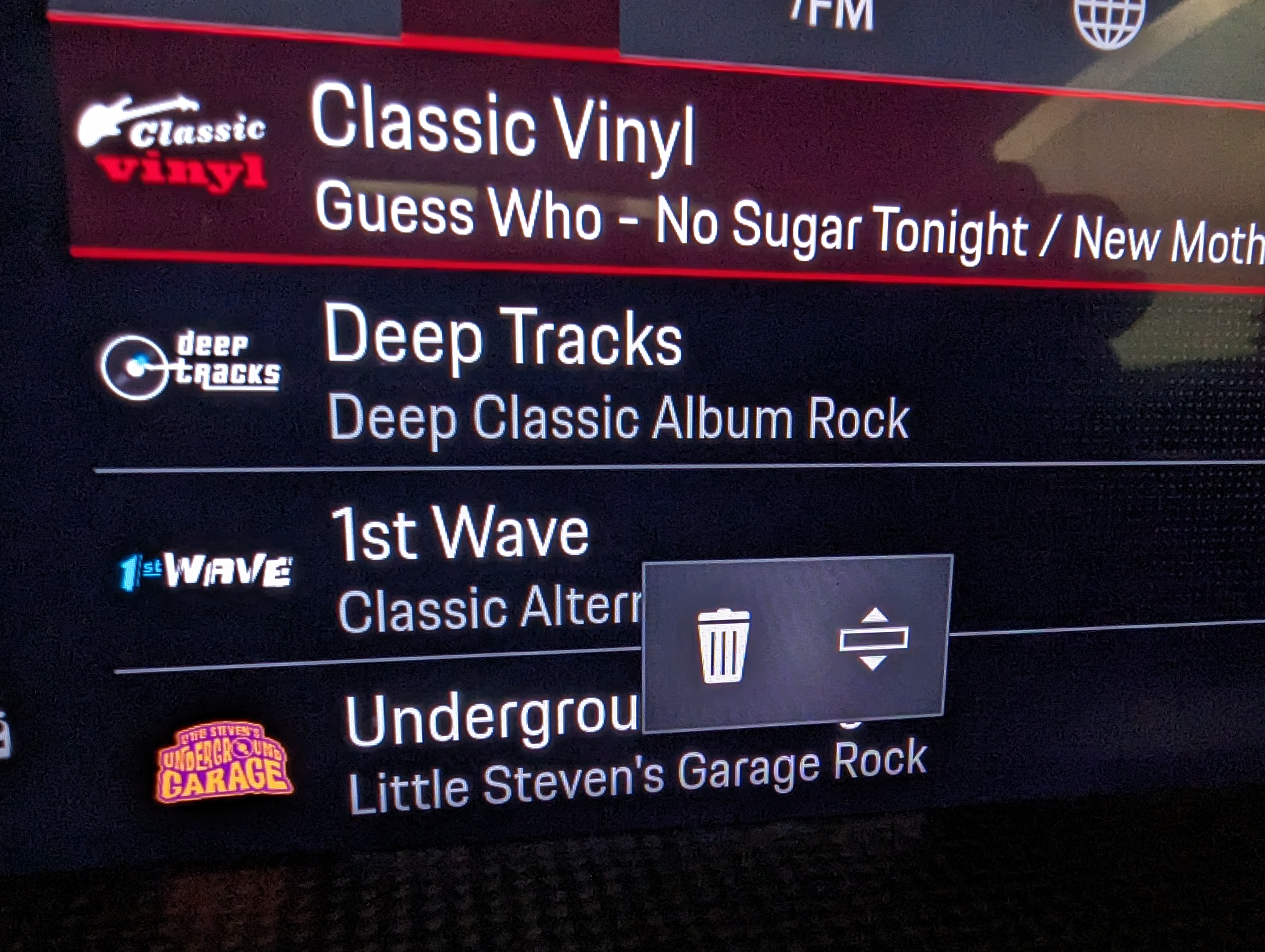
Ok just came from garage and reaffirmed what I have done previously. It's easy in the 992 Turbo S - simply long press the desired station and the result is a delete icon and a reorder icon. Can get rid of the preset or move it up and down the list. The max number of favorites is the standard 20 for Porsche.
Can't remember exactly but I think the '19 cayenne has something similar. I'll try to check tomorrow.
Fresh photo from the 992:
- PXL_20231027_024706499.jpg (2.38 MiB) Viewed 1647 times
Re: Radio Presets Delete
Posted: Thu Oct 26, 2023 8:22 pm
by Larry C
Tim,
Thanks for checking on your 992. The 982 has an older PCM version and doesn’t have the delete function. Override works fine so it’s all good. I just thought I was doing something wrong.

